

Artificial Intelligence (AI) isn’t just a buzzword — it’s becoming a core part of a developer’s toolkit. Whether you’re building web apps, automating workflows, writing code, debugging, or analyzing data, AI tools can make you faster, more productive, and more creative.
But with so many options out there, it can be overwhelming to know where to begin. This guide breaks down essential AI tools for developers at different stages of their journey, how they help, and practical examples of how to integrate them into your workflow.
🧠 1. AI for Code Generation and Assistance
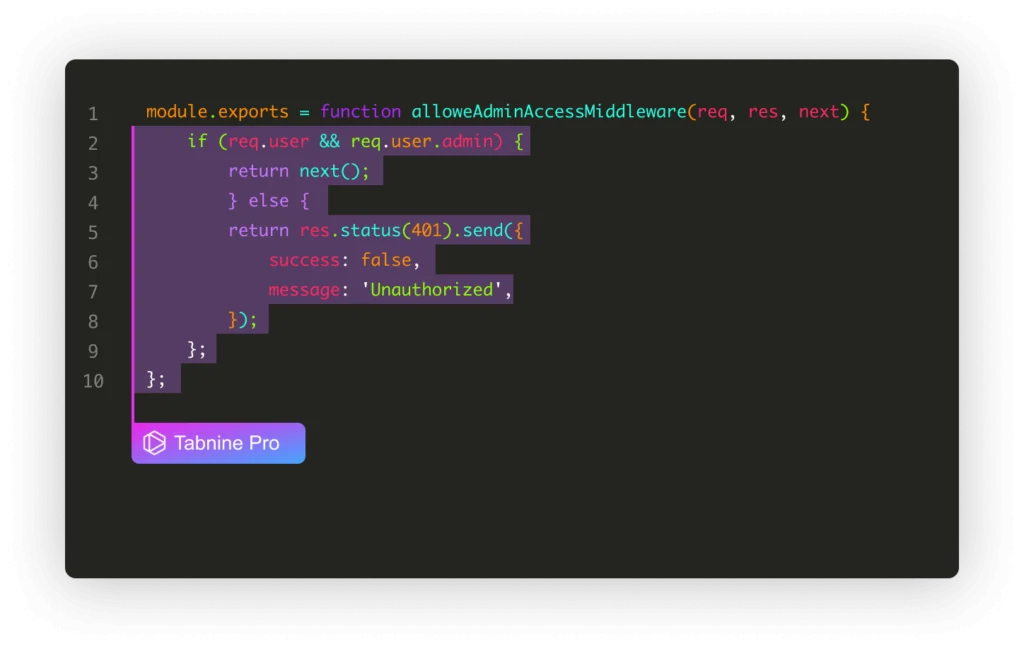
Writing boilerplate code, repetitive functions, or even entire modules can be time‑consuming. AI code assistants help you generate, complete, and refactor code more efficiently.
AI Code Autocomplete
Tools with intelligent code completion suggest entire lines or blocks of code as you type.
How it helps:
- Reduces syntax errors
- Speeds up development
- Suggests idiomatic code
Example use:
You’re writing a REST API in JavaScript — instead of typing every route handler manually, the AI suggests function signatures and return logic based on your comments.
AI Code Generators
Some tools can generate full functions or modules from natural language prompts.
How it helps:
- Speeds up feature prototyping
- Turns plain English requests into working code
- Bridges design ideas and implementation
Example use:
Prompt: “Generate a Python function that validates email addresses using regex and writes invalid ones to a log file.”
Result: A complete, ready‑to‑run Python function you can drop into your project.
Refactoring and Optimization
AI can suggest improved versions of your existing code — making it cleaner, faster, or more secure.
How it helps:
- Improves performance
- Encourages best practices
- Reduces technical debt
Example use:
You feed a block of unoptimized SQL queries or nested loops into the AI and get back a version that leverages indexing or vectorized operations.
🧪 2. AI for Debugging and Error Resolution
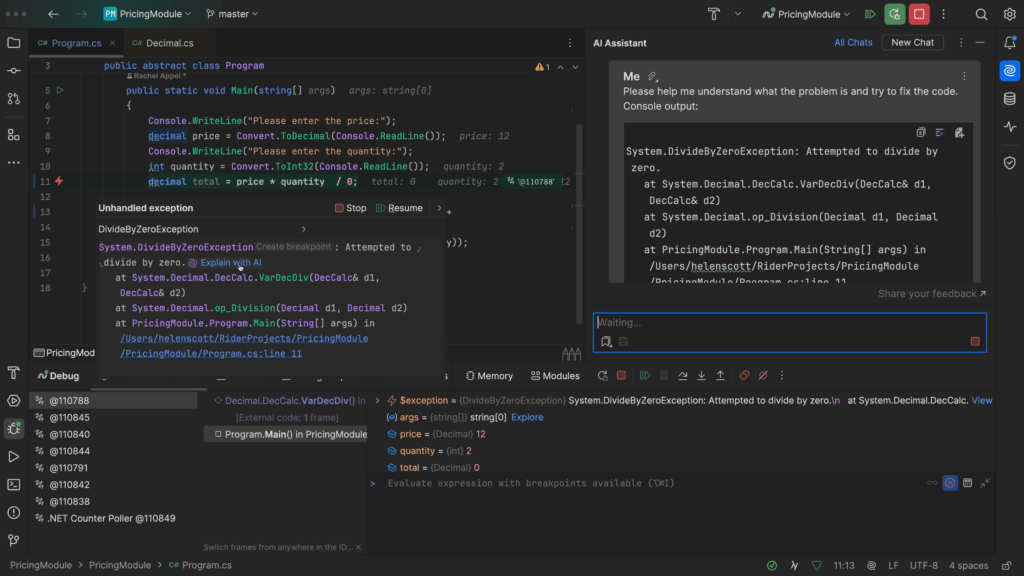
Debugging is often the most frustrating part of development. AI tools help you identify issues quickly and suggest resolutions.
Automated Error Explanations
When you hit a cryptic error message, AI can break it down and explain what it means in plain language.
How it helps:
- Saves time understanding errors
- Reduces context switching between docs
Example use:
An exception stack trace appears in your console. Instead of Googling line by line, you paste it into the AI and get a step‑by‑step explanation of likely causes and fixes.
AI‑Suggested Fixes
Some tools don’t just explain — they propose a patch.
How it helps:
- Suggests code fixes directly
- Helps with edge cases you might overlook
Example use:
You’re facing a TypeError in JavaScript. AI suggests checking for null values before accessing object properties and provides the corrected code snippet.
📜 3. AI for Documentation and Learning
Great documentation saves time — for you and anyone else who uses your code. AI can help you write clear docs, comments, and even tutorials.
Auto‑Generated Documentation
Feed your codebase, and the AI writes user‑friendly documentation.
How it helps:
- Reduces manual documentation work
- Keeps docs in sync with code
Example use:
You upload a Python library, and AI produces an HTML doc site or README with usage examples, parameter descriptions, and sample outputs.
In‑Context Learning and Examples
AI helps you learn unfamiliar libraries or frameworks by creating usage examples tailored to your project.
How it helps:
- Saves time learning new tech
- Provides instant examples based on your context
Example use:
You want to understand how to use a React hook. Provide the name and your project context, and AI generates a simple, annotated example.
🛠️ 4. AI for DevOps and Deployment
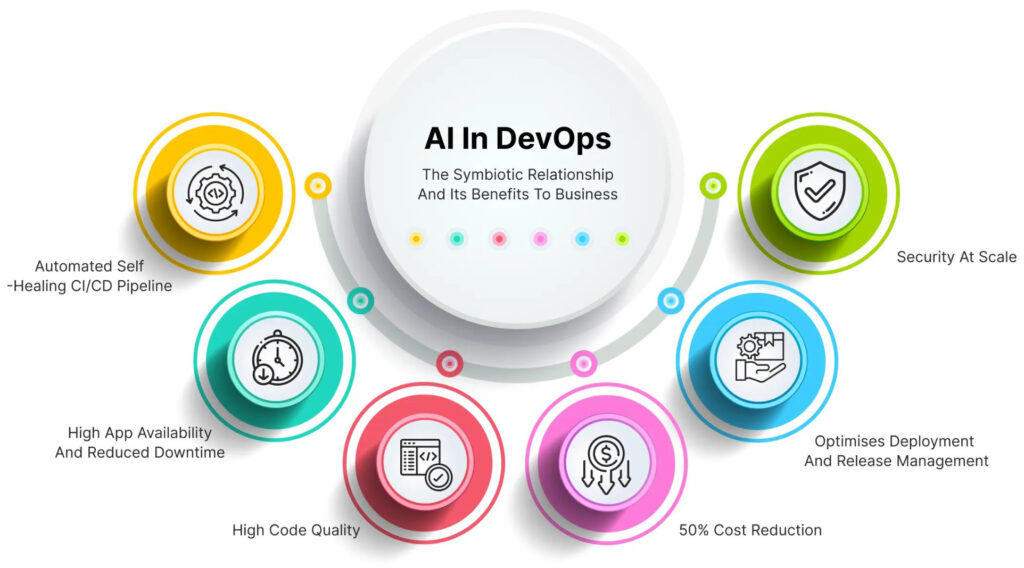
AI isn’t limited to writing and debugging code — it also supports deployment, monitoring, and infrastructure management.
Automated CI/CD Suggestions
AI can analyze your code changes and suggest optimal CI/CD pipeline steps or detect configuration issues early.
How it helps:
- Reduces deployment errors
- Improves automation efficiency
Example use:
You want to set up automated testing and deployment for a microservices app. AI generates a CI/CD config file tuned to your stack, with stages for linting, testing, and deployment.
AI Monitoring and Alerts
After deployment, AI can monitor logs and performance metrics to detect anomalies.
How it helps:
- Alerts you to issues before users notice
- Provides explanations and remediation tips
Example use:
Traffic spikes cause slower response times. AI detects the pattern early, identifies which microservice is the bottleneck, and suggests scaling strategies.
📦 5. AI for Data and Analytics
Developers working with data can benefit enormously from AI tools that wrangle, visualize, and interpret information.
Data Cleaning and Transformation
AI can inspect raw datasets and propose cleaning rules — handling missing values, converting types, and spotting anomalies.
How it helps:
- Reduces manual data prep
- Ensures higher data quality
Example use:
You’re preparing a CSV with inconsistent date formats and missing fields. AI suggests a pipeline to standardize dates and fill gaps.
Exploratory Data Analysis (EDA)
Instead of writing boilerplate code to chart trends and correlations, AI generates summaries and visuals.
How it helps:
- Fast insights into data distribution and outliers
- Automatic chart generation
Example use:
Upload your dataset and ask: “Show me correlations between sales and advertising spend,” and the AI returns visuals and interpretation.
🧠 6. AI Plugins and Extensions for IDEs
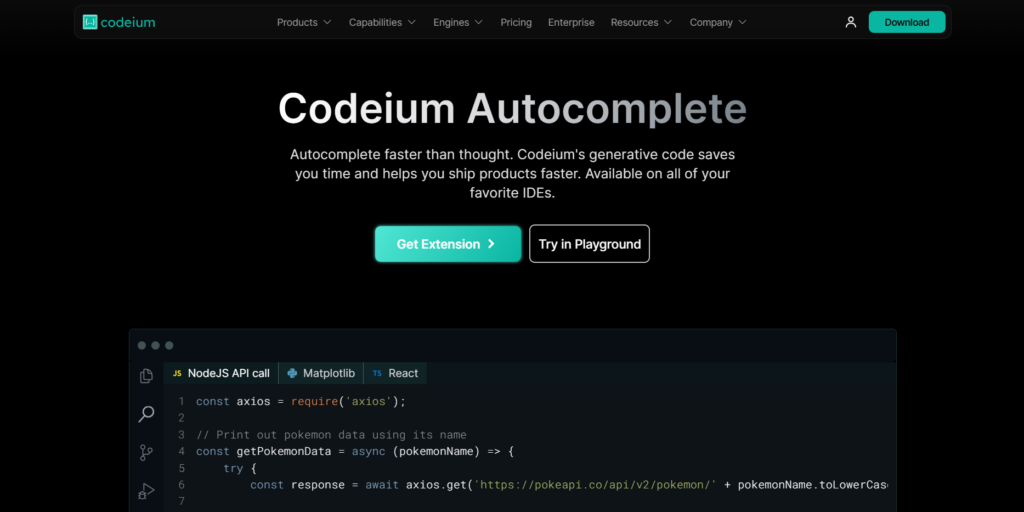
Developers spend most of their time in Integrated Development Environments (IDEs) like VS Code, JetBrains tools, or Visual Studio. AI plugins integrate directly into these environments.
Code Completion Extensions
AI autocompletes code as you type with greater context awareness than traditional IDE suggestions.
How it helps:
- Reduces keystrokes
- Keeps you focused in your editor
Example use:
You declare a function and start typing a loop — AI predicts variable names and logic patterns based on surrounding code.
Documentation and Examples On‑The‑Fly
Hover over a library function and the AI displays a short explanation or code example.
How it helps:
- Cuts down on manual doc browsing
- Keeps you productive in flow
Example use:
You’re unsure about a parameter for a Python library. Hover and receive a concise explanation with example usage.
🔍 7. Best Practices to Get Started
AI tools are powerful, but getting the most from them takes a little strategy.
Start Small
Begin by using AI for assistance —code completion, refactoring, or debugging—before moving to fully generated modules.
Why: Helps you build trust and understand limitations.
Be Specific with Prompts
The more context you give, the better the AI’s output.
Example:
Instead of “write a function to sort data,” try: “write a JavaScript function that sorts an array of objects by date in descending order.”
Review and Validate
AI can make mistakes. Always review suggested code, errors, or refactors for logic, security, and performance.
Why: AI doesn’t test assumptions; you do.
Use AI as a Collaborator — Not a Crutch
AI is a force multiplier, not a replacement for developer thinking.
Why: Understanding fundamentals ensures you can debug and extend AI‑generated code.
🚀 Tools to Explore
Here’s a quick starter list of types of AI tools developers should explore:
| Category | Example Use |
|---|---|
| Code autocomplete | Suggests code while you type |
| Code generation | Builds functions/modules from prompts |
| Debugging assistant | Explains errors and suggests fixes |
| Documentation generator | Writes docs from codebase |
| IDE plugins | Enhances coding environment |
| DevOps AI | Automates CI/CD and monitoring |
| Data analysis AI | Cleans, charts, and interprets data |
🧠 Final Thoughts
AI tools are reshaping how developers write code, deploy applications, fix bugs, and analyze data. The key to success is to start with beginner‑friendly tools, integrate them into daily workflows, and gradually explore deeper automation opportunities.
Remember: AI isn’t here to replace developers — it’s here to augment your skills, eliminate repetitive tasks, and help you focus on creative problem‑solving. As you gain confidence with these tools, you’ll find yourself writing cleaner, faster, and more reliable code.
Start experimenting today, one prompt at a time, and let AI take care of the heavy lifting.