

Most of us rely on a handful of popular apps to get through the day—email clients, note‑taking platforms, messaging tools, cloud storage, and more. But mainstream solutions often come with trade‑offs: privacy concerns, feature limitations, high price tags, or cluttered interfaces. Fortunately, there are excellent alternatives that offer unique advantages—whether you want more privacy, better focus, smarter automation, lighter performance, or deeper customization.
This guide highlights some of the best replacements for popular tools across categories that matter most. If you’re looking to switch things up, improve your digital experience, or discover options that better align with your needs, here are the most compelling alternatives worth trying.
📬 Email & Communication
Popular Tool: Gmail
Best Alternative: Proton Mail
If you’re concerned about privacy and data mining, Proton Mail provides true end‑to‑end encryption. Your emails are protected so that even the provider can’t read them.
Why Switch?
- Strong privacy and encryption
- Minimal data tracking
- Simplified, distraction‑free interface
Good For: Users who value privacy over ecosystem lock‑in.
💬 Messaging & Calls
Popular Tool: WhatsApp
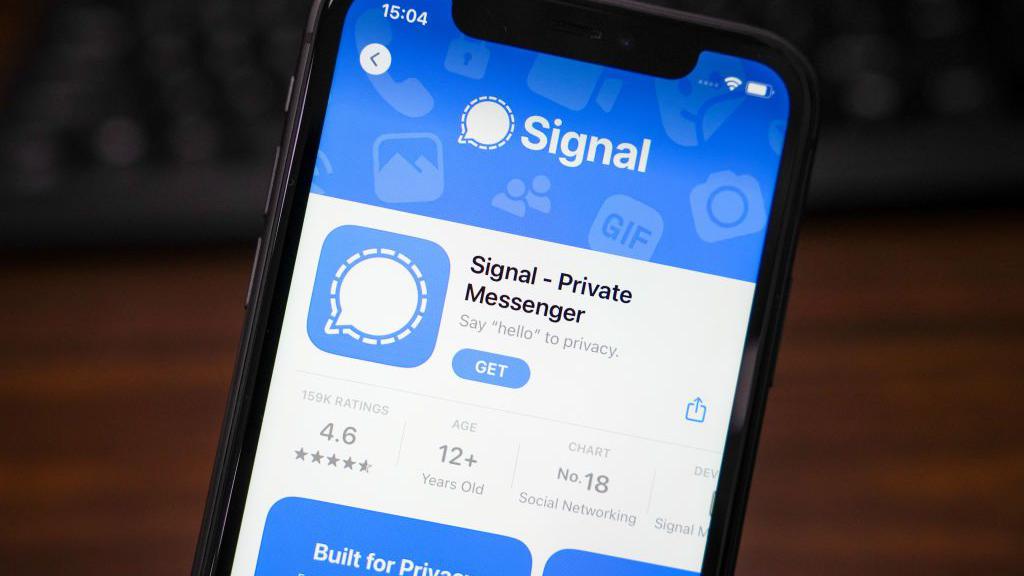
Best Alternative: Signal
Signal uses end‑to‑end encryption by default and keeps metadata to a minimum. It’s simple, fast, and widely supported across platforms.
Why Switch?
- Superior privacy protections
- Open‑source protocol
- No ads or data harvesting
Good For: Private chatting with friends, family, or professional contacts.
📌 Note‑Taking & Knowledge
Popular Tool: Evernote
Best Alternatives: Notion and Obsidian
Notion
A flexible workspace that blends notes, tasks, databases, and calendars. Its all‑in‑one approach makes it ideal for students, teams, and creators.
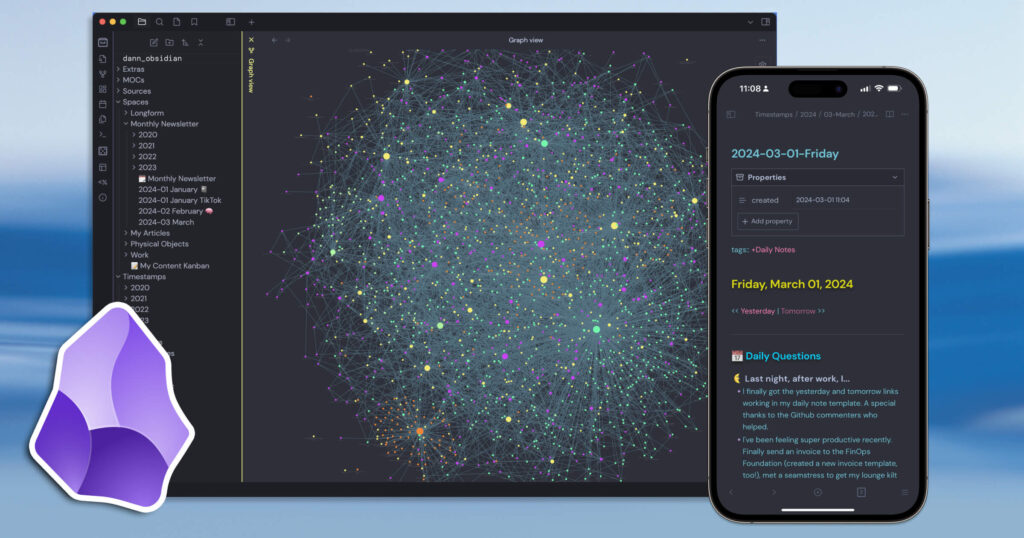
Obsidian
A markdown‑based, local‑first note organizer that uses linked notes to help visualize relationships between ideas—a perfect choice for researchers and thinkers.
Why Switch?
- Notion: Fully customizable with templates
- Obsidian: Local data storage and knowledge graphs
Good For: Deep note organization, research tracking, and project planning.
📝 Document Writing & Collaboration
Popular Tool: Google Docs
Best Alternatives: Microsoft Word with OneDrive or CryptPad
Microsoft Word with OneDrive
A familiar, powerful editor with rich formatting, review tracking, and offline capabilities.
CryptPad
A privacy‑first collaborative editor where content is encrypted before it leaves your device.
Why Switch?
- Word: Industry‑standard tools with full feature sets
- CryptPad: Zero‑knowledge encryption for sensitive docs
Good For: Collaborative writing with varying priorities—Word for power users, CryptPad for privacy.
🗂️ Cloud Storage
Popular Tool: Google Drive
Best Alternatives: Dropbox and Sync.com
Dropbox
Reliable syncing and sharing with strong compatibility across apps.
Sync.com
Cloud storage with end‑to‑end encryption and strict privacy policies.
Why Switch?
- Dropbox: Mature ecosystem and integrations
- Sync.com: Enhanced data privacy and secure sharing
Good For: File backups, team sharing, and secure cloud storage.
📅 Calendars & Scheduling
Popular Tool: Google Calendar
Best Alternatives: Microsoft Outlook Calendar and Fantastical
Microsoft Outlook Calendar
Robust scheduling with deep integration across email and team tools.
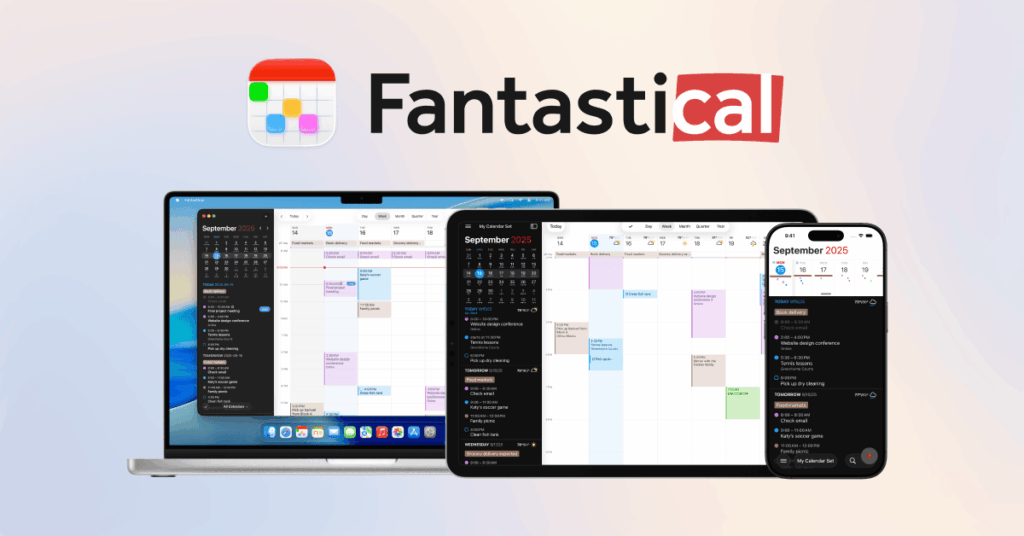
Fantastical
A user‑friendly calendar with natural language input and smart reminders.
Why Switch?
- Outlook Calendar: Best for business users
- Fantastical: Great for personal planners and productivity enthusiasts
Good For: Organized scheduling and cross‑platform planning.
💼 Task Management & Productivity
Popular Tool: Todoist
Best Alternatives: TickTick and Asana
TickTick
A lightweight, feature‑rich task manager with built‑in habit and Pomodoro support.
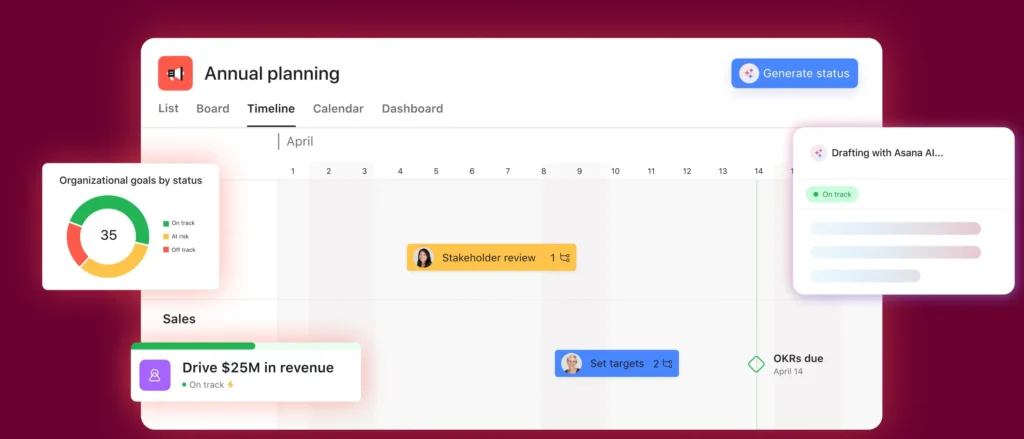
Asana
Powerful project tracking with timelines, boards, and automation—ideal for teams.
Why Switch?
- TickTick: Personal productivity with focus tools
- Asana: Team workflows and project tracking
Good For: Personal tasks, team projects, and workflow automation.
💰 Budgeting & Finances
Popular Tool: Mint
Best Alternatives: YNAB (You Need A Budget) and PocketGuard
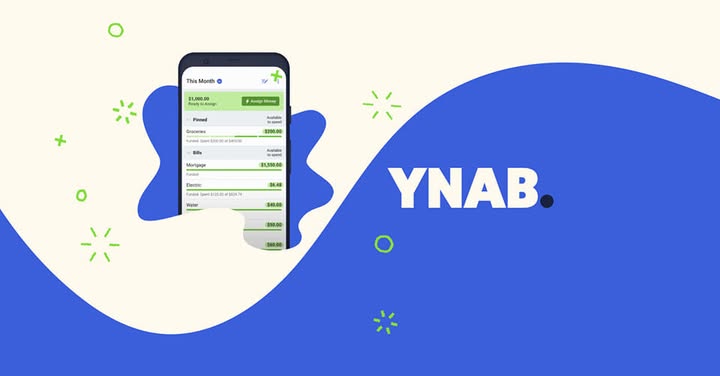
You Need A Budget
A proactive budgeting system that helps you assign every dollar a job.
PocketGuard
A simpler money tracker with immediate insights into healthy spending habits.
Why Switch?
- YNAB: Best for disciplined budgeters
- PocketGuard: Easy setup and practical visuals
Good For: Personal finance tracking and budgeting habits.
📚 Reading & Research
Popular Tool: Pocket
Best Alternatives: Instapaper and Zotero
Instapaper
Clean article reader with highlights and offline features.
Zotero
Powerful reference manager and research organizer for students and academics.
Why Switch?
- Instapaper: Simple, distraction‑free reading
- Zotero: Best for structured research with citations
Good For: Reading lists, research organization, and citation tracking.
🧠 AI Assistants & Smart Helpers
Popular Tool: ChatGPT
Best Alternatives: Claude and Bard
Claude
An AI assistant with conversational responses often tuned for thoughtful, context‑rich interactions.
Bard
Google’s AI assistant with strong connectivity to search and real‑time information.
Why Switch?
- Claude: Deep, reflective responses
- Bard: Search‑connected answers and data
Good For: AI queries, writing help, research summarization, and ideas.
🎨 Design & Creativity
Popular Tool: Canva
Best Alternatives: Figma and Photopea
Figma
A collaborative design tool ideal for UI/UX, creative teams, and prototyping.
Photopea
A free, browser‑based Photoshop alternative that supports PSD files and powerful editing.
Why Switch?
- Figma: Real‑time design collaboration
- Photopea: No install needed and feature‑rich
Good For: Graphic design, prototyping, and creative workflows.
📷 Photo & Video Editing
Popular Tool: Adobe Photoshop / Premiere
Best Alternatives: Affinity Photo / Affinity Video and DaVinci Resolve
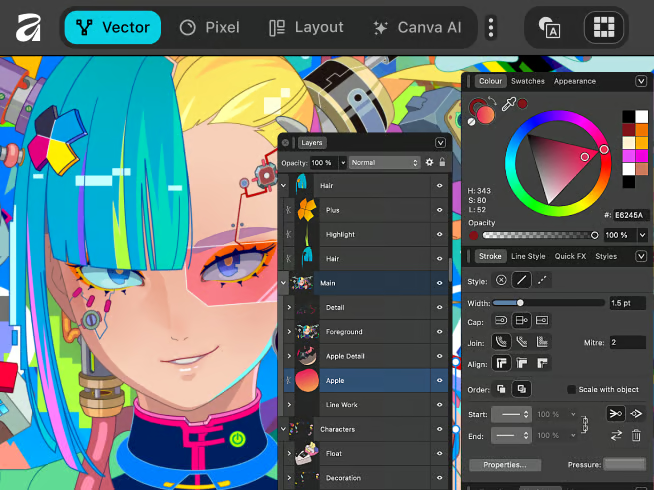
Affinity Photo / Video
Professional desktop editors with no subscription model.
DaVinci Resolve
Advanced video editing and color grading—industry‑level capabilities for free.
Why Switch?
- Affinity: One‑time purchase with powerful tools
- DaVinci: Professional video workflow without recurring costs
Good For: High‑quality photo/video editing without heavy subscriptions.
🔍 Web Search
Popular Tool: Google Search
Best Alternatives: DuckDuckGo and Ecosia
DuckDuckGo
Privacy‑centric search engine that doesn’t track you.
Ecosia
Search engine that plants trees with ad revenue.
Why Switch?
- DuckDuckGo: Strong privacy defaults
- Ecosia: Sustainable search
Good For: Everyday searches without tracking or for eco‑minded users.
🛡️ Privacy & Security
Popular Tool: 1Password
Best Alternatives: Bitwarden and KeePassXC
Bitwarden
Open‑source password manager with cloud sync and strong encryption.
KeePassXC
Local password database with full control and offline storage.
Why Switch?
- Bitwarden: Easy sync across devices
- KeePassXC: Privacy‑first local password vault
Good For: Secure password management without vendor lock‑in.
📞 Calling & Conferencing
Popular Tool: Zoom
Best Alternatives: Jitsi Meet and Google Meet
Jitsi Meet
An open‑source video conferencing tool with no account needed.
Google Meet
Integrated conferencing with calendars and messaging.
Why Switch?
- Jitsi: Quick, private calls with minimal setup
- Google Meet: Workstream integration and reliability
Good For: Remote classes, meetings, and quick video calls.
🧠 When It Makes Sense to Switch
Switching apps isn’t about abandoning your favorite tools—it’s about choosing solutions that better fit your needs. You might consider alternatives when:
- You want better privacy
- You’re looking to escape costly subscriptions
- You need more customization
- Your current tool feels bloated or slow
- You want open‑source and transparent software
Many alternative apps offer free tiers with powerful features, making it easy to test them before fully committing.
📌 Final Thoughts
Mainstream apps are familiar, but they aren’t the only options. Alternative tools can offer improved privacy, smarter features, lighter interfaces, better pricing, or more control over your data. Whether you’re a student, professional, creator, or everyday user, exploring replacements can lead to a more efficient, secure, and enjoyable digital experience.
Instead of asking “What tool should I use?” consider “Which tool fits my needs best?” The alternatives above are some of the most compelling options available today—and they might just change the way you work, communicate, create, and live.