
In a world where nearly everything we do leaves a digital footprint, privacy has become more important than ever. From social media and messaging to browsing and passwords, daily technology use exposes sensitive data that companies, advertisers, and sometimes malicious actors can collect or exploit.
Thankfully, there’s a growing wave of privacy‑focused apps designed to protect your data, minimize tracking, and give you more control over your digital life. Whether you’re a casual user, a student, a professional, or someone simply concerned about personal data exposure, switching to the right tools can make a meaningful difference.
Here’s a guide to the best privacy‑focused apps you should consider using—each explained with what they do, why they matter, and how they help protect you in everyday use.
🔐 1. Secure Messaging & Calling
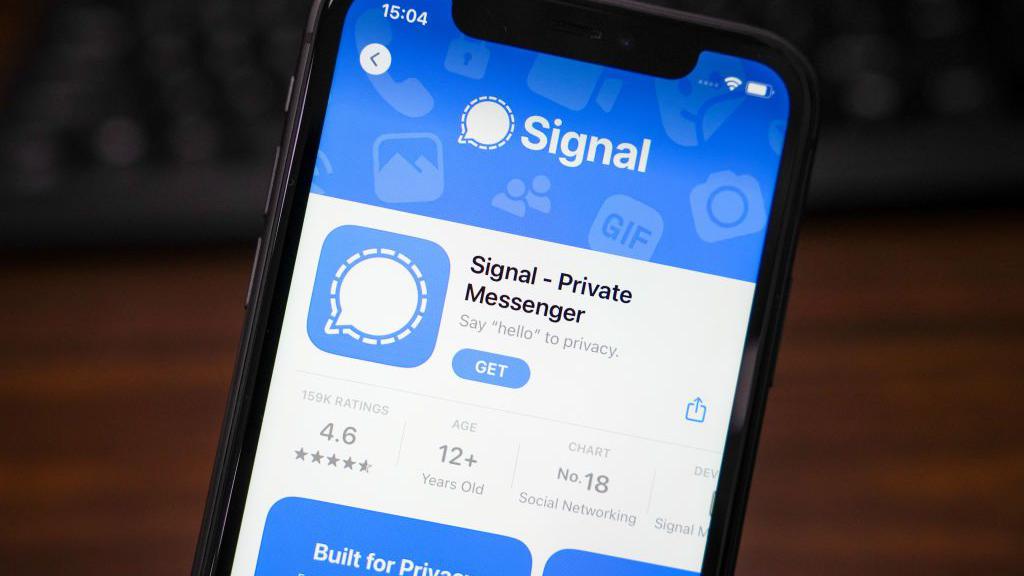
Communication is among the most sensitive things we do online. Privacy‑focused messaging apps protect your conversations from eavesdroppers and data collectors.
Signal
What it is: A secure messaging and voice/video calling app that uses end‑to‑end encryption.
Why it matters: Only you and the person you’re communicating with can read or hear messages—no servers, no companies, no third parties.
Best for: Anyone who wants private conversations with friends, family, or colleagues.
Everyday example: Instead of texting on a platform that logs metadata or upsells data to advertisers, you use Signal for group chats, voice calls, and secure media sharing—knowing your messages can’t be read by anyone else.
🛡️ 2. Private Web Browsing
Regular browsers often track your activity, build profiles, and share data with advertisers. Privacy browsers block trackers and protect your identity online.
Brave
What it is: A browser that blocks trackers, ads, and third‑party scripts by default.
Why it matters: Faster browsing with significantly fewer ads and trackers monitoring your behavior.
Best for: Users who want privacy without sacrificing convenience or speed.
Everyday example: When you search for flights or shop online, Brave prevents tracking scripts from following you across sites. You see fewer targeted ads and enjoy speedier page loads.
🌐 3. Virtual Private Networks (VPNs)
A VPN encrypts your internet connection and hides your IP address, making your online activity harder to track—especially on public Wi‑Fi.
Proton VPN
What it is: A privacy‑focused VPN service with a strict no‑logs policy.
Why it matters: Your internet traffic is encrypted, and your location and browsing history remain hidden even from your internet provider.
Best for: Anyone on public Wi‑Fi, remote workers, travelers, or privacy‑aware users.
Everyday example: On a coffee shop Wi‑Fi, using Proton VPN prevents others on the same network from snooping on your browsing, banking apps, or email.
🔍 4. Privacy‑Focused Search Engines
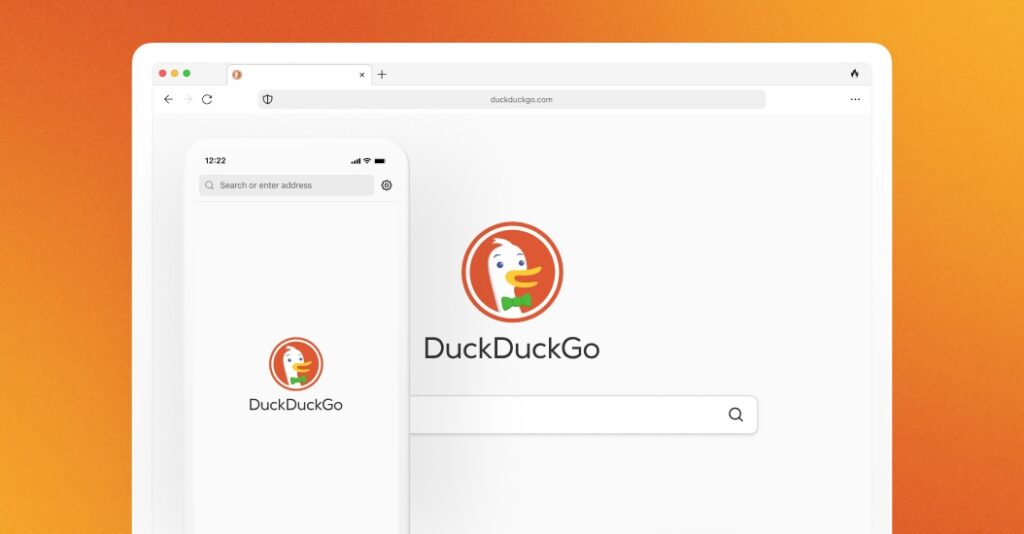
Standard search engines often track your search queries and build profiles based on your interests. Privacy search engines don’t.
DuckDuckGo
What it is: A search engine that doesn’t track your queries or store personal data.
Why it matters: You get relevant results without being followed around the internet by targeted ads based on your search history.
Best for: Everyday searchers who want anonymity and relevance.
Everyday example: When planning a surprise trip or searching health questions, your queries remain private and aren’t logged for advertising purposes.
📩 5. Email Protection & Privacy
Emails are rich with personal data and metadata. Privacy‑focused email tools shield your inbox from tracking and unwanted access.
Proton Mail
What it is: A secure, encrypted email service that keeps your messages private and accessible only by you.
Why it matters: Even the email provider can’t read your content, and no ads or analytics tracking are involved.
Best for: Anyone concerned about email privacy, journalists, activists, and professionals with sensitive communications.
Everyday example: You use Proton Mail for both personal and work-related email, knowing that your messages aren’t scanned for advertising or analytics.
🧠 6. Password Managers
Using the same password across sites or storing them insecurely is a major privacy and security risk. Password managers keep your accounts safe and private.
Bitwarden
What it is: A secure, open‑source password manager that stores and autofills strong passwords.
Why it matters: You can generate unique passwords for every account without memorizing them—or risking reuse.
Best for: Anyone with multiple online accounts.
Everyday example: When signing up for a new service, Bitwarden suggests a strong random password, stores it securely, and autofills it next time you visit.
📁 7. Encrypted File Storage
Cloud storage is convenient but often at the cost of privacy. Encrypted file storage ensures only you can access your files.
Sync.com
What it is: A cloud storage service with end‑to‑end encryption.
Why it matters: Your files are encrypted before they leave your device, and only you hold the keys.
Best for: Secure backups, sensitive documents, and private file sharing.
Everyday example: You upload important tax documents and personal files knowing that even the storage provider can’t see their contents.
📚 8. Secure Note‑Taking
Notes often contain private or sensitive information—passwords, ideas, research, or work plans. Secure note apps protect those from prying eyes.
Standard Notes
What it is: A secure, encrypted note‑taking app that focuses on privacy by default.
Why it matters: Your notes are encrypted end‑to‑end and accessible only by you.
Best for: Personal journaling, research notes, or storing sensitive ideas.
Everyday example: You jot down private goals, passwords, or personal reflections knowing that your notes can’t be accessed by unauthorized parties.
📊 9. Ad Blockers and Tracker Blockers
Ads aren’t just annoying—they’re often vehicles for cross‑site trackers that monitor your behavior across the web.
uBlock Origin
What it is: A powerful browser extension that blocks ads and trackers.
Why it matters: It reduces data collection and speeds up browsing without compromising your privacy.
Best for: Users who want cleaner, faster, and more private browsing.
Everyday example: When visiting news sites or video platforms, uBlock stops autoplay ads and prevents tracking scripts from loading in the background.
🎧 10. Privacy‑Focused OS Features & Tools
Many smartphones and computers now include built‑in privacy tools you can use along with apps.
Apple’s App Privacy Protections
What it is: Features that limit app tracking, restrict microphone/camera access, and show privacy reports.
Why it matters: You can see which apps are accessing data and restrict permissions for better control.
Best for: iPhone users who want tight control over app behavior.
Everyday example: You decline permission for an app to access your location when it doesn’t need it for core features, reducing data exposure.
🧩 How to Build Your Own Privacy Toolkit
No single app can guarantee total privacy, but combining tools builds a stronger digital defense. Here’s a sample privacy stack you could start with:
- Messaging: Signal
- Browsing: Brave + uBlock Origin
- Search: DuckDuckGo
- VPN: Proton VPN
- Email: Proton Mail
- Passwords: Bitwarden
- Cloud Storage: Sync.com
- Notes: Standard Notes
By layering these tools, you reduce tracking, encrypt sensitive data, and keep control over your digital footprint.
🚨 Important Tips for Better Privacy
✔ Use multi‑factor authentication (MFA): Adds an extra layer of security.
✔ Review app permissions: Only give access to what’s necessary.
✔ Update regularly: Security patches keep vulnerabilities at bay.
✔ Avoid public Wi‑Fi without a VPN: Protects your data stream from local snooping.
✔ Stay aware: Periodically check privacy settings in your apps and accounts.
🧠 Final Thoughts
Privacy is no longer optional—it’s essential. As more of our lives move online, protecting our data, conversations, and digital identity should be a priority. The apps above empower you to take control of your privacy without sacrificing convenience or usability.
Whether you’re a student, professional, parent, or casual user, incorporating privacy‑focused tools into your daily routine helps guard your personal information from unwanted exposure, intrusive tracking, and unnecessary data collection.
In a digital age where data is currency, privacy is power—and the right apps help you reclaim it.